Teammates ask. Your twin answers.You keep working.

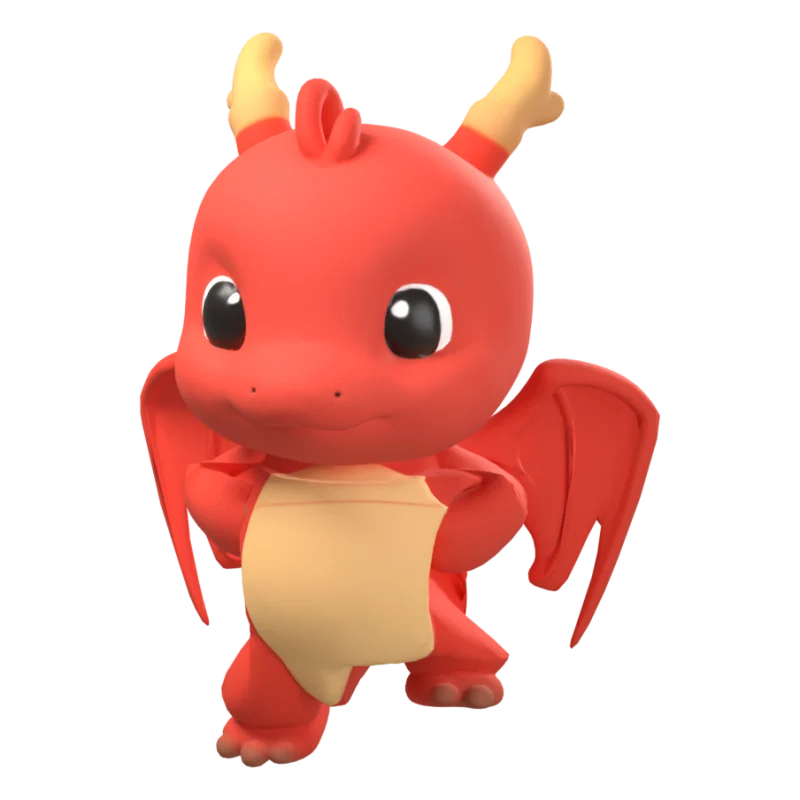
Work Twin is a private assistant for your Mac. It learns from the apps you approve and answers routine questions with only the facts you chose to share.
Yes, merged at 06:04 today. as of 12:00















Most questions you get at work already have an answer somewhere: a merged pull request, a moved meeting, a thread you replied to. Work Twin keeps those answers on your Mac and hands them out only when you say so.
Useful from the first day
It turns what happens in your approved apps into short facts: what shipped, what is stuck, what moved. Each one stays private until you mark it shareable.
Today, from approved sources
Alice’s twin
- Checkout PR #482 mergedShareable
- Flaky payments test is still failing on mainShareable
- 1:1 with Priya moved to FridayPrivate
- Asked Sam about the rate limits in a DMPrivate

- 01
You approve the sources
Slack, GitHub, Google Calendar, selected apps, and Chrome tabs one at a time. Anything you have not approved is dropped before it is written to disk.
- 02
It learns what you know
A model running on your Mac turns approved activity into short facts: what shipped, what is blocked, who owns what.
- 03
You choose what can be shared
Facts stay private until you mark them shareable. A sharing floor is checked on every fact before it is stored.
- 04
Your twin answers for you
A teammate's twin asks yours through your company relay. Your twin replies from shareable facts, with an as-of time, and logs it.
Learns from the tools you already use
You approve each source. Anything you have not approved is dropped before it is written to disk.
- SlackMessaging
“Sam asked if checkout shipped. I answered from your shareable facts and logged the reply.”
Your twin - GitHubCode
“Your pull request #482 merged at 06:04. I added it to today’s report.”
Your twin - Google CalendarCalendar
“Your focus block starts at 2pm. I’ll only nudge you if something actually needs you.”
Your twin - ChromeBrowser
“You approved the design docs site for this tab only. I’ll ask again on the next one.”
Your twin
Hand off the updates you write over and over
Drafts come from what actually happened. Nothing goes out until you approve it.
Every evening
Daily report
What you finished today, written from what actually happened in your approved sources.
Every morning
Standup draft
A standup update ready to read. It waits for your approval before anything goes out.
Every evening
End-of-day note
A short wrap-up so tomorrow starts where today stopped.
Always on
Brag doc
A running record of your wins that you will be glad to have at review time.
Always on
Blocker radar
Flags the thing that has been stuck, so it does not stay quiet until the meeting.
During focus
Focus guard
Holds routine questions while you work and tells you when something actually needs you.
Your team asks your twin, not you
A teammate’s twin asks yours through your company relay. Yours replies from shareable facts, with the time it was true, and logs it.
- Status questions answered without breaking your focus
- Every reply says how fresh it is
- Private messages never become answers

Bob’s twinDid the checkout PR merge?
Alice’s twinYes, merged at 06:04. as of 12:00

Answered from facts Alice marked shareable. Logged in her audit log.
Built so your work stays yours
Raw activity never leaves your Mac. Only facts you mark shareable can go, and only to your company relay.
Stays on your Mac
Raw activity sits in an encrypted database on your laptop and is purged after 7 days.
Local model by default
A model on your machine does the work. Claude is an opt-in your admin turns on, and it only sees redacted text.
Secrets removed first
36 redaction rules strip keys and tokens before anything is stored. Tokens live in the macOS keychain.
Every reply logged
Each answer your twin gives is written to an audit log you can open: who asked, what was said, and when.
Pick a buddy to keep you company
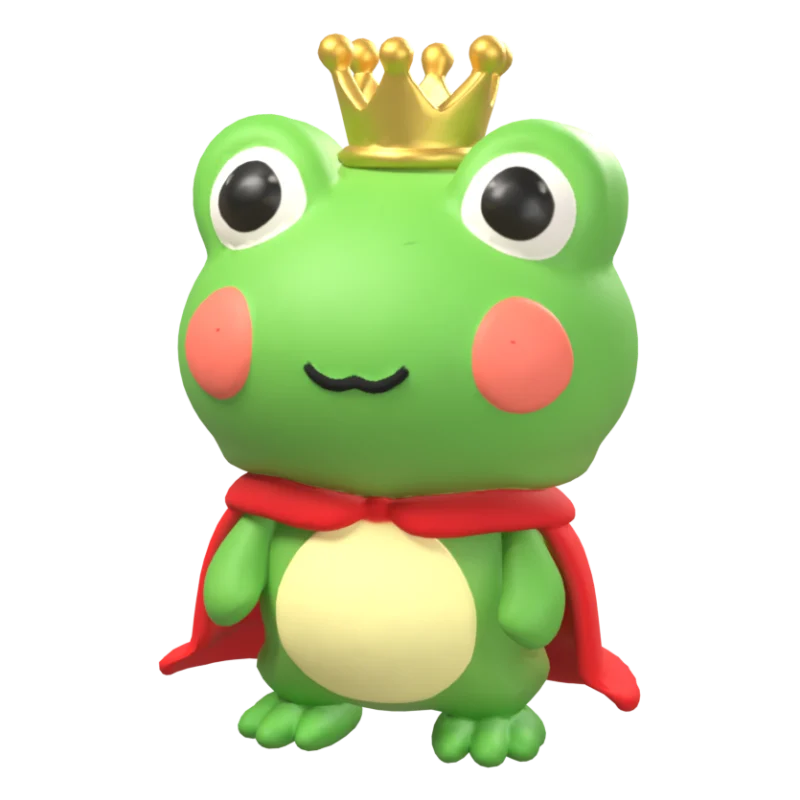
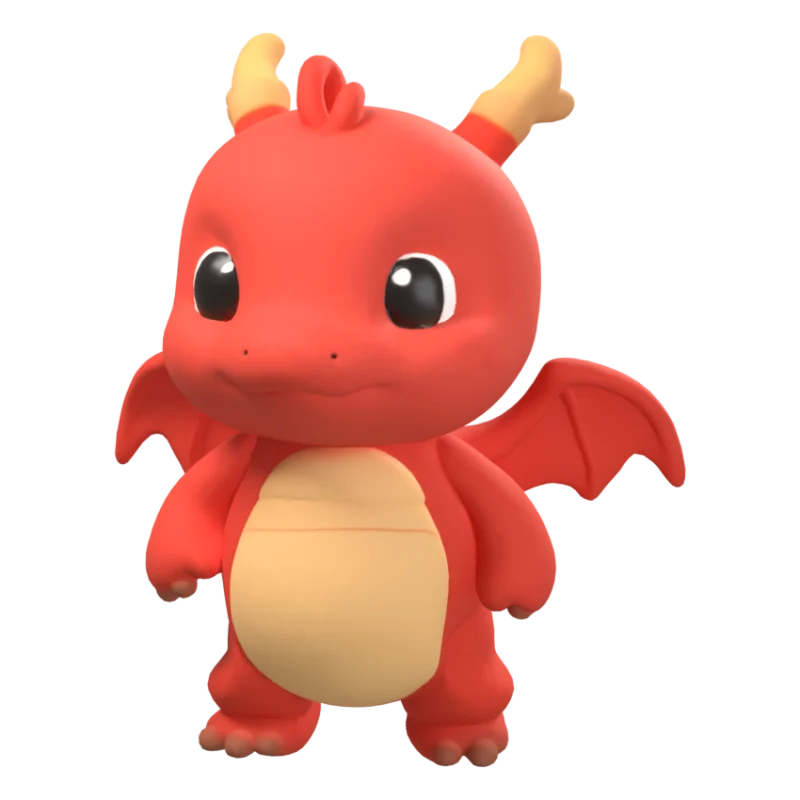
Your twin lives in the menu bar as one of 18 characters. It listens when you hold the key, thinks while it looks, and naps when capture is paused.

Grounded, unhurried friend keeping cozy watch in an olive hoodie.
Quietly keeping watch.
Questions, answered
What does Work Twin watch?
Only what you approve: apps, sites and sources. A fresh install starts paused. When you open an unapproved app, Twin asks, naming the app and not its window title. In Chrome, you approve each site or tab, and choosing Never keeps it silent.
Does my raw activity leave my Mac?
No. Raw activity is stored in an encrypted database on your laptop and purged after 7 days. Only facts you have marked shareable can leave, and only to your company relay.
Can my company read everything my twin knows?
No. The relay carries signed requests and replies about shareable facts. Private messages stay private: in our tests, a private Slack DM was captured locally and never became a shareable answer.
Which AI model does it use?
A local model is the default, through any Ollama-compatible endpoint on your machine. Claude is an opt-in set by your organization's admin, and it receives only redacted text from approved sources.
What about passwords and secrets?
36 redaction rules strip secrets before text is stored or shared. Tokens live in the macOS keychain, not in files. An outbound guard checks every reply before it leaves.
Can I see what my twin said?
Yes. Every request and reply is written to an audit log you can open: the subject, the peer, the outcome and an as-of time.
Can I stop it?
One button pauses capture. While paused, nothing from approved apps is recorded and syncing stops.
When can I use it?
Work Twin is a free download for Mac. Open the DMG, drag Work Twin to Applications, and the first run walks you through setup.






Meet your Bruno today.
Free download for Mac. Open the DMG, drag Work Twin to Applications, and your buddy walks you through the rest.
Free for Mac. Apple silicon and Intel. Questions? support@onsuite.in